voidImageViewer-1.0.0.15.x64.en-US-Setup.exe (268 KB)
voidImageViewer-1.0.0.15.x86.en-US-Setup.exe (253 KB)
voidImageViewer-1.0.0.15.x64.en-US.zip (187 KB)
voidImageViewer-1.0.0.15.x86.en-US.zip (166 KB)
voidImageViewer-1.0.0.15.ARM64.en-US.zip (171 KB)
voidImageViewer-1.0.0.15.ARM.en-US.zip (179 KB)
voidImageViewer-1.0.0.15.sha256 (1 KB)
voidImageViewer-1.0.0.15.src.zip (4263 KB)
https://github.com/voidtools/voidImageViewer/
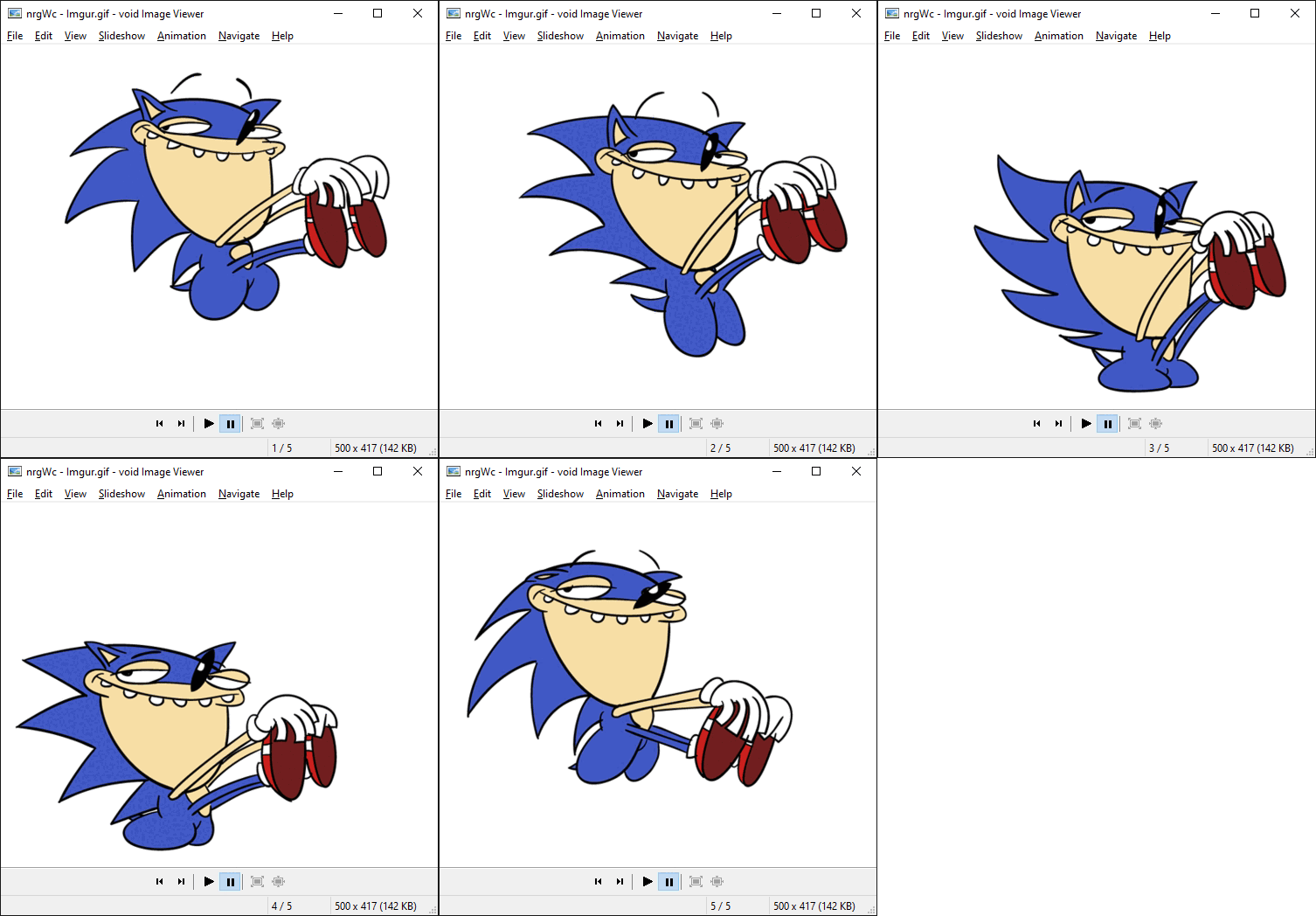
Supports animated gifs and animated webp.
Supports png, jpg and webp.
Changes
Monday, 12 January 2026: Version 1.0.0.15
- fixed an issue with scrolling large images.
- improved position offset when using numpad keys.
- fixed an issue with webp using the wrong background color.
- fixed an issue with tracking the center of the image when resizing.
- fixed an issue with rendering images larger than 65536x65536.
- fixed an issue with screen saver not being prevented in slide show mode or when there is an animation.
- improved rendering performance.
- improved zooming of small images when going fullscreen.
- move window action will now scroll if zoomed.
- re-enabled WEBP_MSC_SSE41
- added title_bar_format ini setting.
- added System.Photo.Orientation support.
- added - command line switch support. Escape with "" or include a . in your switch.
- fixed an issue with losing the image center on resize
- fixed back/forward mouse buttons not working from toolbars
- fixed an issue with loading the wrong next image when it was preloaded and changed externally
- improved rendering performance
- added left click action: move window
- added auto size window GUI option
- fixed a gdi leak when freeing mipmaps
- fixed a gdi leak when refreshing
- fixed an issue with loading the wrong next image after changing the sort
- added natural sort
- fixed an issue with using the wrong association registry key
- fixed a crash when interrupting the loading of a multi-frame image
- fixed an issue with displaying images after rotating
- fixed an issue with remembering some view settings
- fixed an issue with losing the view after toogling fullscreen
- inverted increase/descrease slideshow rate
- improved preloading next/previous image
- added cache last image
- improved webp memory usage.
- added webp support
- added animated webp support
- added mipmap support for faster resizing
- added preload option
- added maximized options
- added option to copy image
- added option to copy filename
- improved animation timings
- fixed an issue with associations
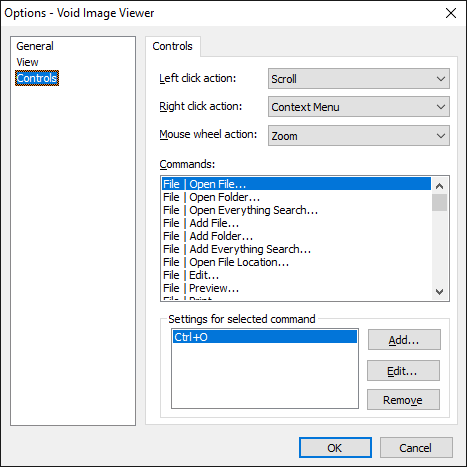
- added ctrl mousewheel action
- fixed an issue when only one image was in the playlist
- fixed a leak when loading an image
- fixed a crash when there was only one shuffled image
- improved randomize seeding
- fixed a leak when loading an image while already loading an image
- added randomized everything search option
- added 1:1 scroll option
- added rotate options
- fixed a bug when navigating to the next image from the first image
- added /x /y /width /height /minimal /compact /shuffle /everything command line options.
- added jump to list
- added everything search
- added shuffle
- fixed /dc command line option
- fixed a bug when opening void image viewer and getting a random filename
- fixed a bug with move to/copy to
- fixed a bug with save as filters.
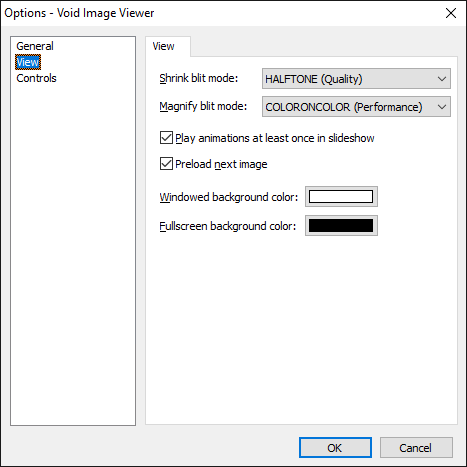
- added background color selection
- added close
- added status bar
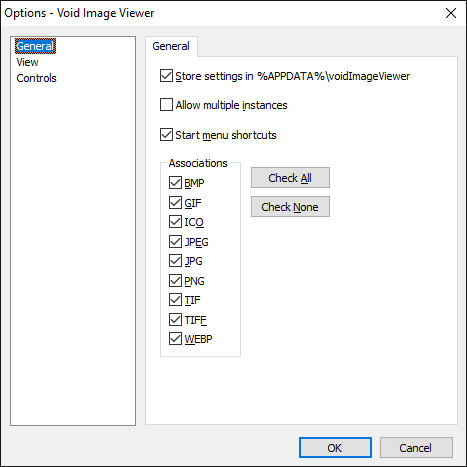
- added keyboard and mouse customization
- added print
- added play gifs at least once option
- added set as desktop background
- added prevent sleep when playing or animating
- added custom slideshow rate
- added animation menu
- added copy to / move to menu
- added automatic window sizes
- added multiple instances / single instance
- improved portability
- fixed an issue with holding a handle to the current directory
- added Multiple instances support
- added multiple file drag drop support
- added command line options /slideshow /fullscreen /window /rate <milliseconds> and /?
- added Edit and Preview file menu items
- added animation controls
- added mouse back/forward
- added min/mag filter modes
- added file associations
- added open folders support
- added Open Location
- added properties option
- added middle mouse move
- added IStream support
- added navigation
- added hide cursor on fullscreen
- improved slideshow mode
- improved 1:1 mode.
- fixed an issue with transparent gifs
- fixed an issue when deleting an image and displaying the next image
- OpenGL renderer
- Direct3D renderer
- graphics::GetHalftonePalette for 256 color mode.
- high dpi icons
- control toolbar customization
- install bmp/jpg only if the default value for HKEY_CLASSES_ROOT\.bmp is bmpfile or voidImageViewer.bmpfile -don't replace non default ones.
- rename option
- rotate option
- string table for localization.
- right click -> open with ...open with, or rather get a proper context menu. CDefFolderMenu_Create2


 . i was also wondering, is keywords entered will also match tags of the pics in metadata ? (even though i haven't tried yet to tags my jpeg files
 , i will do some more tests