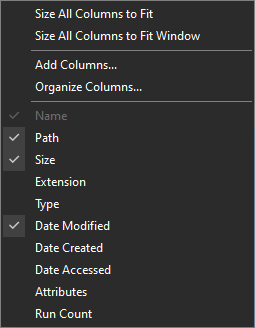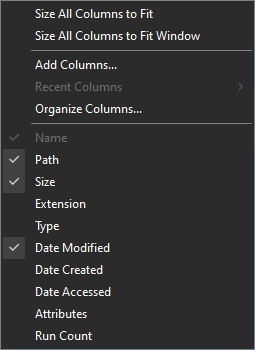
To add properties to the main column context menu:
- In Everything 1.5, from the Tools menu, click Options.
- Click the Advanced tab on the left.
- To the right of Show settings containing, search for:
header - Select: header_context_menu_add_properties
- Set the value to a semicolon (;) delimited list of properties to add.
- For example:
length;width;height - Click OK.
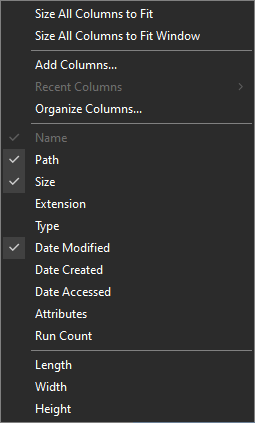
To remove properties from the main column context menu:
- In Everything 1.5, from the Tools menu, click Options.
- Click the Advanced tab on the left.
- To the right of Show settings containing, search for:
header - Select: header_context_menu_remove_properties
- Set the value to a semicolon (;) delimited list of properties to remove.
- For example:
type;date-accessed - Click OK.
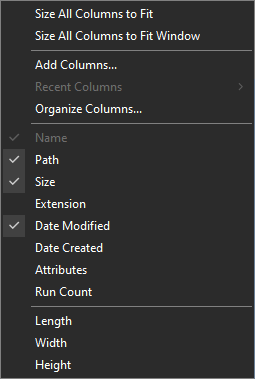
To remove the Recent Columns item from the column context menu:
- In Everything 1.5, from the Tools menu, click Options.
- Click the Advanced tab on the left.
- To the right of Show settings containing, search for:
column - Select: column_history_enabled
- Set the value to: false
- Click OK.