First, find your results of interest.
For example, two folders, with one being a backup where there are lots of duplicates:
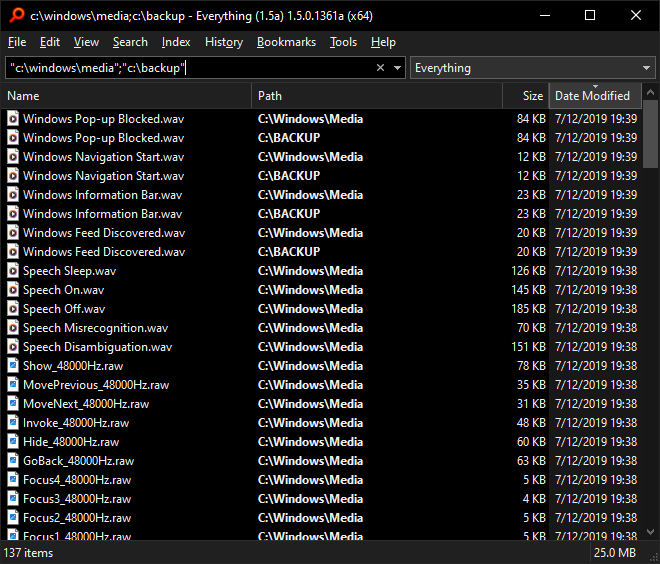
To find unique items based on size:
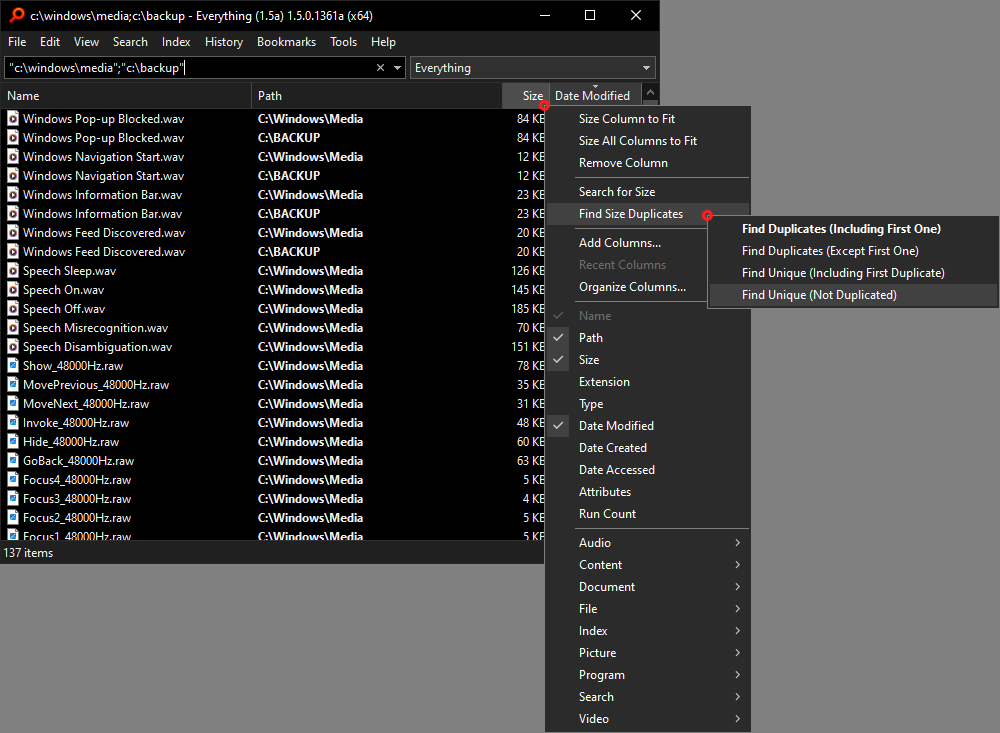
- Right click the Size column header.
- right click Find Size Duplicates.
- Click Find Unique (Not Duplicated)
Items with the same size are removed from your result list.
Only items with a unique size remain:
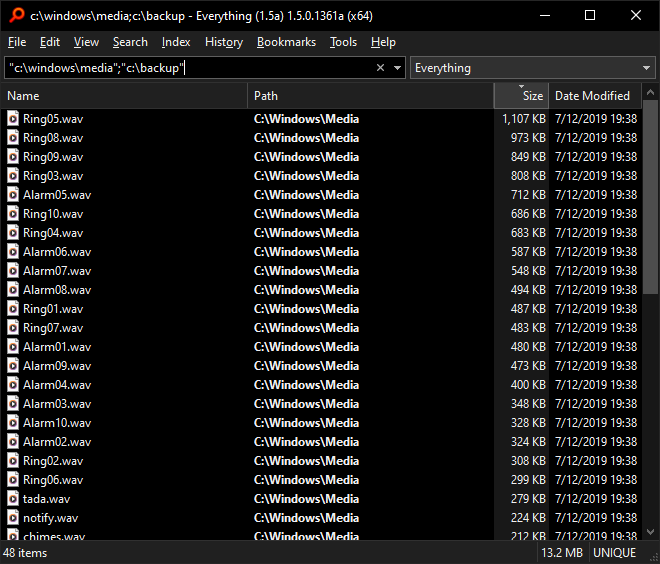
The sort order has changed to Size.
You can change the sort order to anything you like.
For example: Sort by Date Modified:
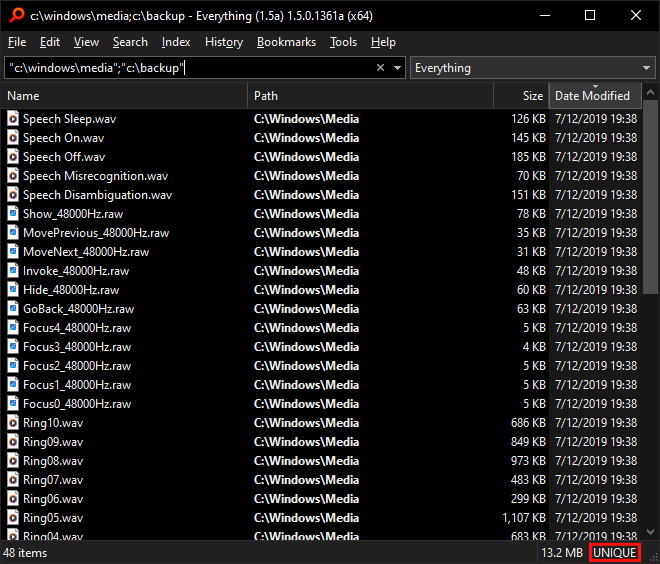
UNIQUE is shown in the status bar on the right.
Double click this text to show all results.
Finding unique and duplicated results