Hi,
The folders I add to the Folders tree (using the option in Settings) are automatically assigned the path name, which prevents accessing them easily by typing in the first letters. Is there a possibility to assign a custom name to these folders so to enable their easier navigation?
Thanks
Renaming items under the Folders tree
-
therube
- Posts: 5808
- Joined: Thu Sep 03, 2009 6:48 pm
Re: Renaming items under the Folders tree
Not quite sure what you're wanting, but you could map a local folder to a drive letter in Windows.
-
danilo
- Posts: 7
- Joined: Fri Nov 18, 2022 11:24 am
Re: Renaming items under the Folders tree
Hi,
I want to add separate entries for favorite folders in the Folders tab. When I do so I'd like to keep the names of the folders rather than having the full path as the title. If I have the name of the folder I can navigate to it by typing in the Folders window.
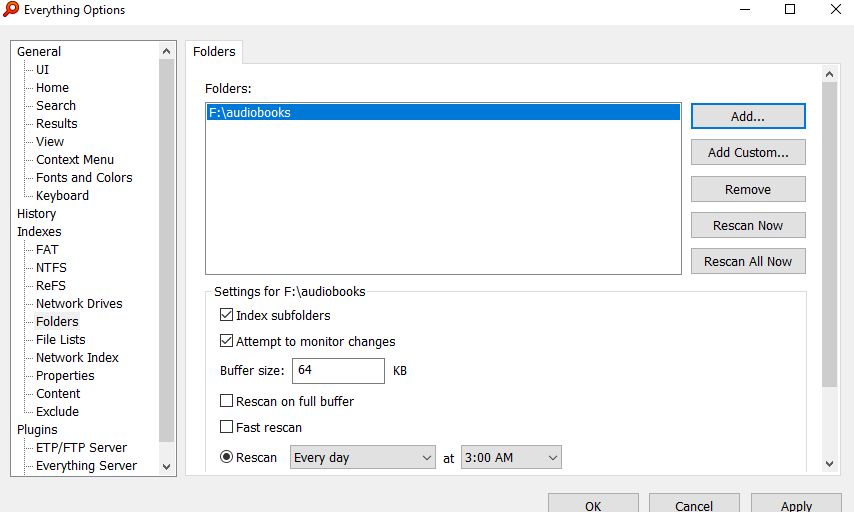

I want to add separate entries for favorite folders in the Folders tab. When I do so I'd like to keep the names of the folders rather than having the full path as the title. If I have the name of the folder I can navigate to it by typing in the Folders window.
Last edited by void on Sat Nov 19, 2022 6:49 am, edited 1 time in total.
Reason: fixed image links
Reason: fixed image links
-
void
- Developer
- Posts: 20208
- Joined: Fri Oct 16, 2009 11:31 pm
Re: Renaming items under the Folders tree
A favourites branch in the folder sidebar is on my TODO list.
Thank you for the suggestion.
For now, please consider a bookmark:
Thank you for the suggestion.
For now, please consider a bookmark:
- In Everything, from the Bookmarks menu, click Add to bookmarks....
- Change the Name to: Explore F:\Audiobooks
- Change the Search to: /explore F:\Audiobooks
- Optionally set a keyboard shortcut.
- Click OK.
-
danilo
- Posts: 7
- Joined: Fri Nov 18, 2022 11:24 am
Re: Renaming items under the Folders tree
Thank you for the clarification!