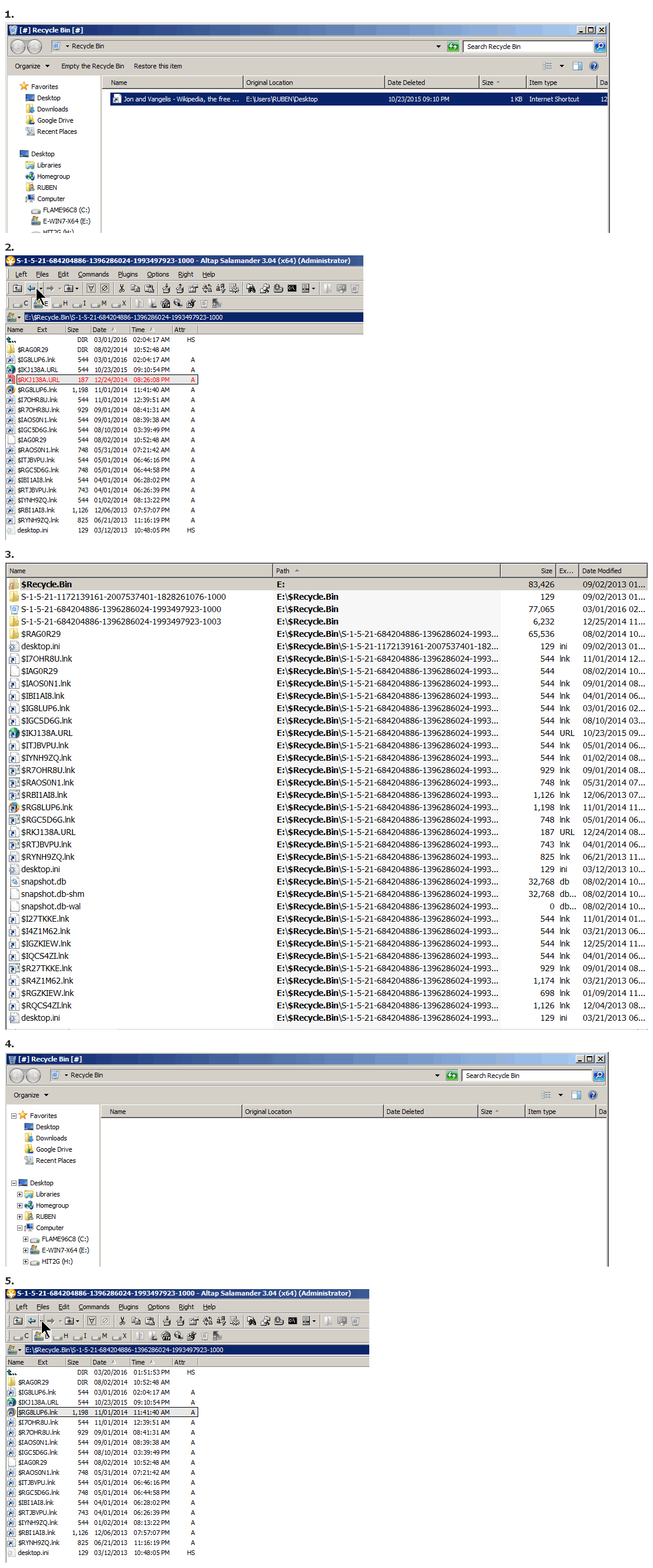
(Never really paid attention, but) in Win7 it seems that every drive has (its own) $Recycle.Bin directory.
So if you are going to "manually" look, you need to check each drive.
And if you're going to manually look, you need to have a program that "sees".
I don't know Windows Explorer, don't use it.
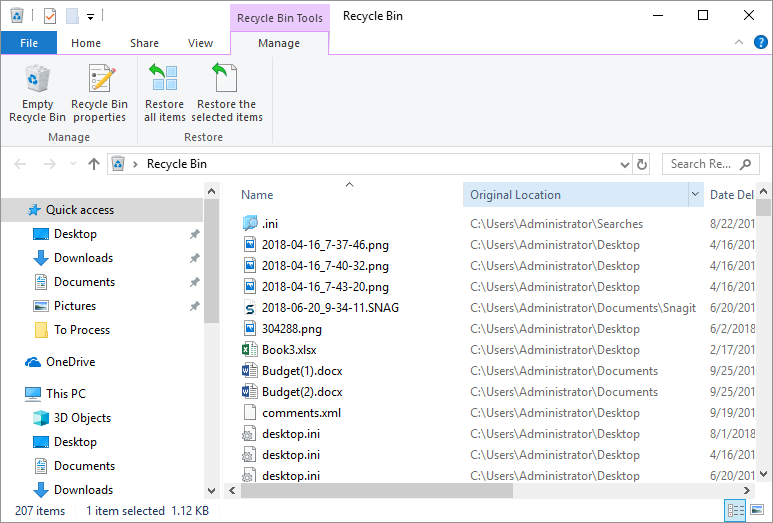
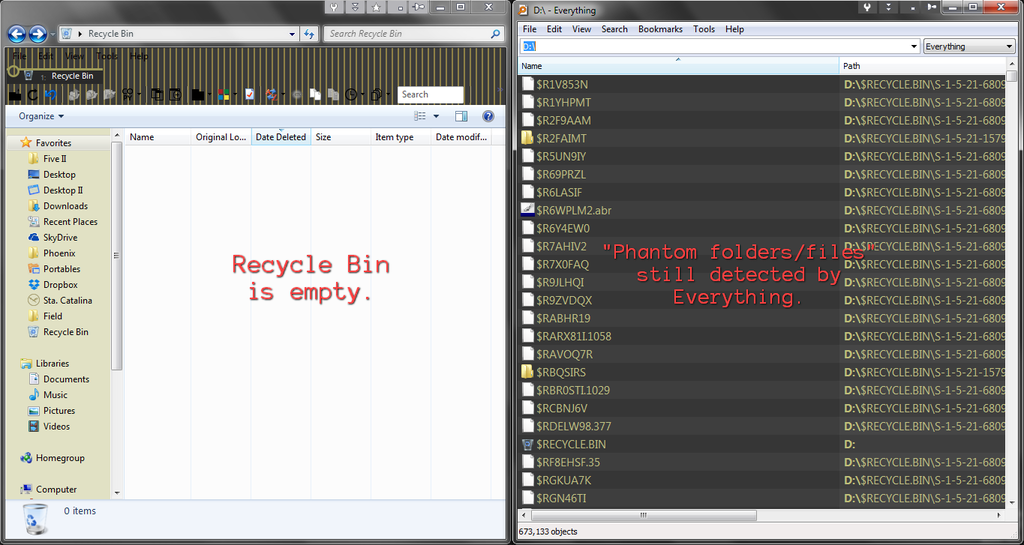
But if I check Windows Explorer ("Recycle Bin"), it shows a sum total of 1 file (for all my drives).
I see that it shows it to be in E:, & looking at E:\$Recycle.Bin, I see that there are physically 36 items (including 3 subdirectories).
The particular item that "Recycle Bin" shows happens to be the item, "$RKJ138A.URL".
And lets see what happens once I delete that from "Recycle Bin"...
 https://s25.postimg.cc/wvldr9c71/Recycl ... _Empty.png
1. Recycle Bin, 1 file is shown
2. Whoa, look'y here, more then 1 file physically exists, file in red is the 1 file that "Recycle Bin" shows
3. What Everything shows for '$Recycle.Bin E:' (with Path enabled)
4. Look, I've now "cleared" the "Recycle Bin", Recycle Bin is "empty"
5. Well, not quite, everything that was there, is still there, except for the 1 file that actually got deleted
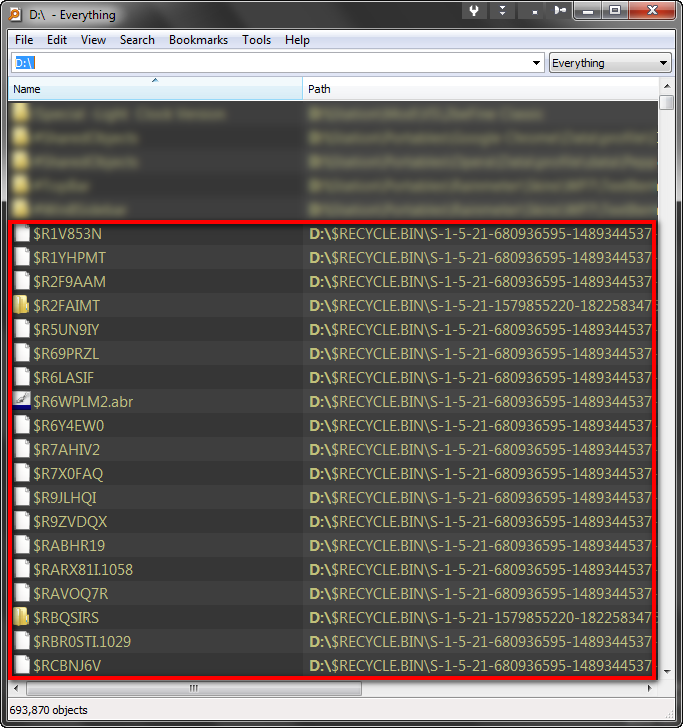
So... most likely, what Everything shows is correct. You just need to look "correctly".
Altap Salamander (pay) can see correctly.
I'm sure you can find other free* & pay file managers that will too.
*
salam152.zip, free, ancient, but but is "enough" to let you see correctly. (You have to enable display of System files in its options. And I'm not sure I'd actually "trust" it on current OS, but at least it can see correctly. [And you can come up with current freeware file managers too.])


 .
.